Apple Maps for business is the single biggest listings gap for most small businesses in 2026. Google gets 90% of the attention — and Apple Maps quietly ships as the default map on roughly 1.4 billion active iPhones, most of which never get Google Maps installed. If you're not on Apple Maps, you don't exist for a huge slice of high-intent local buyers. Here's the full setup, the ranking signals that matter, and how to keep it in sync with the rest of your listings without doing it 12 times a year.
What Apple Maps for business actually is
Apple Maps is Apple's built-in maps app on every iPhone, iPad, Mac, Apple Watch, and CarPlay dashboard. It's the default — most iPhone owners never change it. When someone asks Siri "find a plumber near me," Apple Maps is what answers. When they tap an address in a text message or email on an iPhone, Apple Maps opens.
You don't manage your Apple Maps place inside Apple Maps itself. You manage it through Apple Business Connect — Apple's free portal for businesses to claim, verify, and control how they appear across Apple's ecosystem, including Maps, Wallet, Messages, and Siri.
How to claim your business on Apple Maps in 2026
Apple Business Connect setup
- Create or sign in with an Apple ID at businessconnect.apple.com
- Search for your business — claim if listed, add if missing
- Verify by phone code or business document (1–5 business days)
- Complete your place card — hours, photos, categories, links
- Publish, then link Wallet, Messages, and Showcases if relevant
Free for every business. Most claims verify within 24–48 hours if your NAP already matches Apple's data.
A few things owners routinely miss on step 4:
- Categories. Pick the most specific primary category, then add up to two secondary. Category is a top-3 ranking signal on Apple Maps.
- Hours. Include holiday hours. Apple surfaces "Closes soon" and "Closed" prominently in search results.
- Photos. Interior, exterior, and product shots. Apple Maps thumbnails are large — the storefront shot is your first impression.
- Action links. Book, order, reservations, menu. These render as tap buttons on the place card and drive conversions inside Maps.
The 5 ranking signals that matter on Apple Maps
Apple has never published a full ranking algorithm — but after three years of watching what moves and what doesn't, five factors consistently pull businesses up the Apple Maps results.
- Complete, accurate business info. Name, address, phone, hours, category, website. Missing fields bury you. If your info doesn't match what Apple already has on file, it may show old data — see the sync section below.
- Category specificity. "Italian restaurant" beats "Restaurant." "Emergency plumber" beats "Plumber." Apple heavily favors specificity because it maps directly to how Siri and Apple Maps interpret queries.
- Third-party reviews and ratings. Yelp, TripAdvisor, Booking.com, OpenTable — depending on category. Your Yelp count and average star are visible directly on your Apple Maps place card. See our reputation management guide for the full multi-platform strategy.
- Website authority and NAP consistency.Apple cross-references your listing against your website and other authoritative sources. Inconsistent NAP across the web is one of the fastest ways to get demoted. Our NAP citations guide covers this in depth.
- Engagement inside Maps. Direction requests, taps to call, taps to website, and tap-to-book all signal a live, relevant business. Complete action links to earn these taps.
Where Apple Maps gets its reviews (and why Yelp still matters)
Apple Maps does not host its own reviews. It surfaces third-party ratings inside the place card, and the specific partner depends on your business category:
- Restaurants, bars, cafes: Yelp (primary), OpenTable, TripAdvisor.
- Hotels, lodging: Booking.com, TripAdvisor.
- Attractions, tours: TripAdvisor.
- Everything else (services, retail, home services): Yelp is the dominant source.
This is the piece most owners miss: even if you don't care about Yelp for traffic, your Yelp reviews are influencing what iPhone users see the moment they tap on your Apple Maps result. Keeping Yelp reviews flowing is an Apple Maps strategy, not a Yelp strategy.
Keeping Apple in sync with Google, Bing, Facebook, and 60+ others
This is where most small businesses lose. You update your hours on Google when the season changes, then forget to update Apple. You add a new phone number on your website but not on Bing Places. Over six months, your NAP drifts across the web — and every ranking algorithm that reads those signals demotes you.
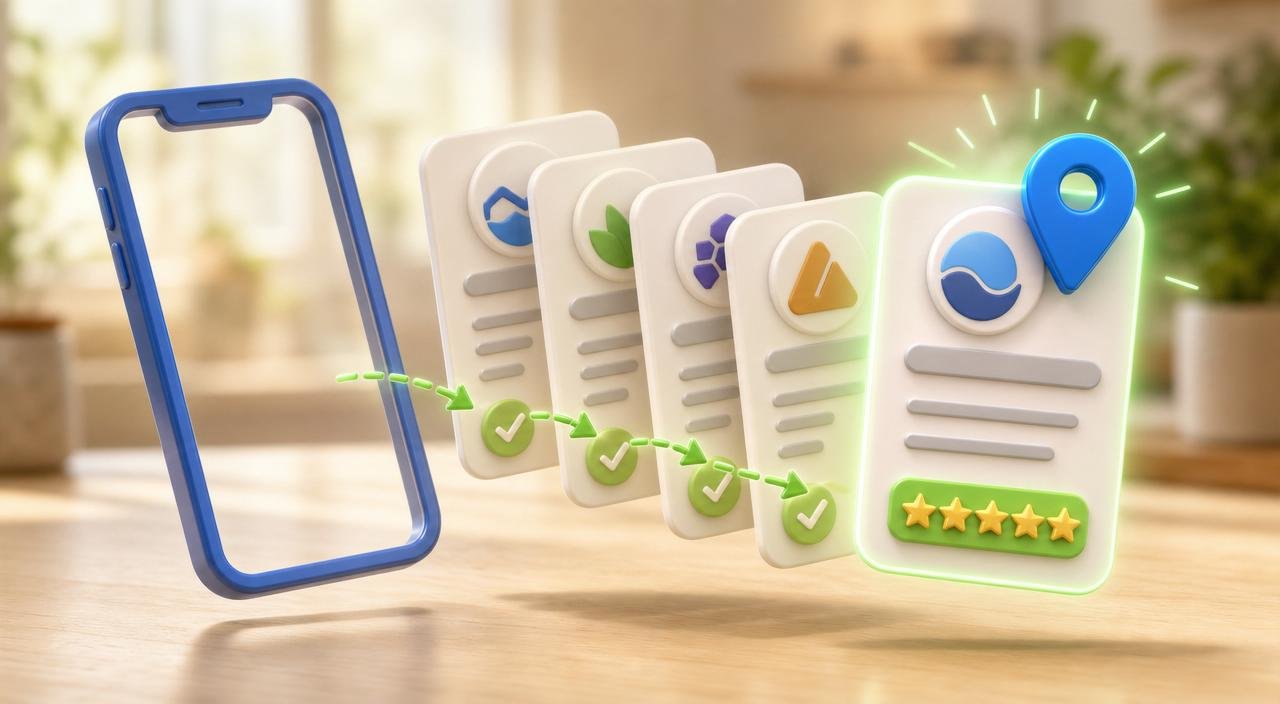
Manually, keeping 5–10 directories in sync takes ~2 hours per update. Keeping 70+ in sync is a job nobody does. That's exactly the problem Listings AI exists to solve: one update, pushed to 70+ directories including Apple, Google, Bing, Facebook, and the top industry-specific sites. You can run a free listings scan at our listings preview to see where you're currently inconsistent, before spending a dollar.
Apple Maps mistakes that quietly cost you traffic
- Assuming Apple pulls from Google. It doesn't. Updates on Google do not propagate to Apple. You have to claim Apple separately.
- Skipping Yelp because "we get better reviews on Google." Apple pulls ratings from Yelp, not Google. Ignoring Yelp gives Apple Maps users a distorted picture of you.
- Not claiming when your business already appears on Maps. Apple may already have a stub for you. Unclaimed stubs show old or partial data. Claim so you control the info.
- Setting up once and forgetting. Hours change, phone numbers change, addresses change. Apple demotes stale listings.
Putting it all together
Apple Maps is not "Google Maps for iPhone." It's a separate ecosystem that reads its own signals, pulls reviews from its own partners, and drives its own high-intent traffic. In 2026, ignoring it means ignoring a huge slice of ready-to-buy iPhone owners.
Claim through Apple Business Connect. Fill every field. Keep your NAP consistent everywhere on the web. Keep Yelp active because that's what Apple Maps users see. Then automate the sync across the rest of the web so you're not doing it manually every quarter. Start with a free scan at our listings preview, or see the full pricing at our pricing page. If you want help positioning your Apple Maps place card correctly, create an account and it's part of Listings AI's default sync.