Setting up a Google Business Profile takes about 30 minutes, is free, and is the single highest-ROI thing a local business can do online in 2026. The profile is what powers your map pin, your star rating, your hours, and most of the ready-to-buy traffic Google sends to local businesses every day. Here's the full setup, verification, and ranking playbook — in order.
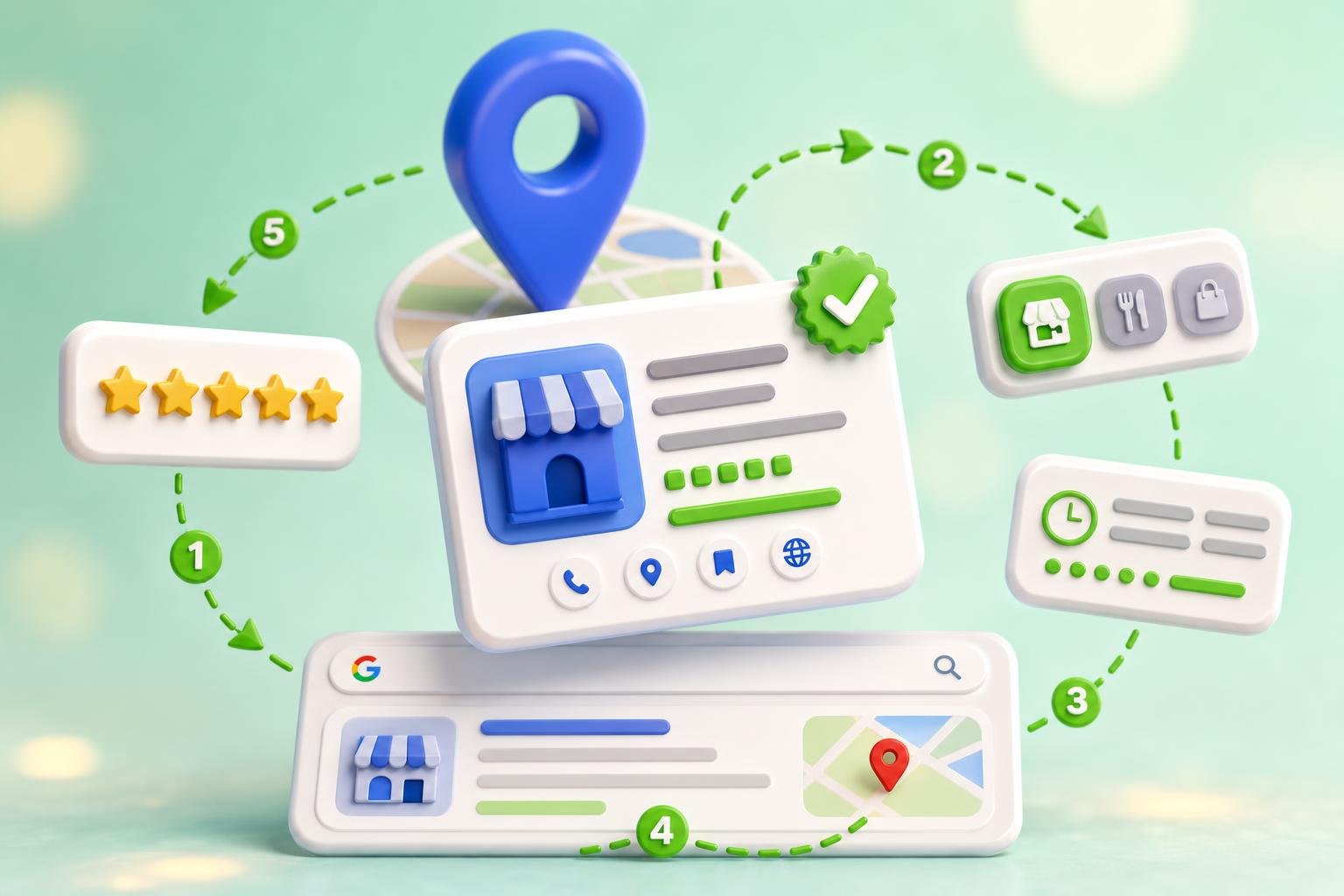
The 7-step Google Business Profile setup, in order
Each step takes 2–5 minutes
- Create the profile at google.com/business
- Enter business name, category, and address (or service area)
- Add phone, website, and hours
- Choose verification method (video, postcard, phone)
- Complete verification and unlock editing
- Fill services, attributes, products, and 10+ photos
- Publish your first Google Post and request your first reviews
Steps 1–4 take 30 minutes. Step 5 is the wait. Steps 6–7 are where ranking actually happens.
Step 1: Create the profile
Go to google.com/business, click "Manage now," and sign in with the Google account you want to own the listing forever. Search for your business name — if a profile already exists (someone else created it, or Google auto-created one), click "Claim this business." If nothing shows up, click "Add your business to Google."
Step 2: Pick the right business name and primary category
Your business name must match your real-world signage exactly. Adding keywords ("Joe's Plumbing — Best Emergency Plumber in Austin") is the #1 reason listings get suspended in 2026.
Your primary category is the single biggest ranking signal on the profile. Pick the most specific one that describes what you actually do: "Italian Restaurant" beats "Restaurant"; "Emergency Plumber" beats "Plumber." You can add up to 9 secondary categories later — but the primary is what Google ranks you for first.
Step 3: Address vs. service area (pick one)
Two paths, and picking the wrong one is the #2 reason for suspension:
- Storefront business (customers visit you): enter your real, staffed address. Co-working desks, virtual offices, and PO boxes are not allowed.
- Service-area business (you go to the customer — plumber, cleaner, mobile groomer): hide your address and list service areas (cities, zip codes, regions). You can list up to 20 service areas.
If you're hybrid (you have a shop and you travel), list the address and add service areas.
Step 4: Verification (the part that decides your launch date)
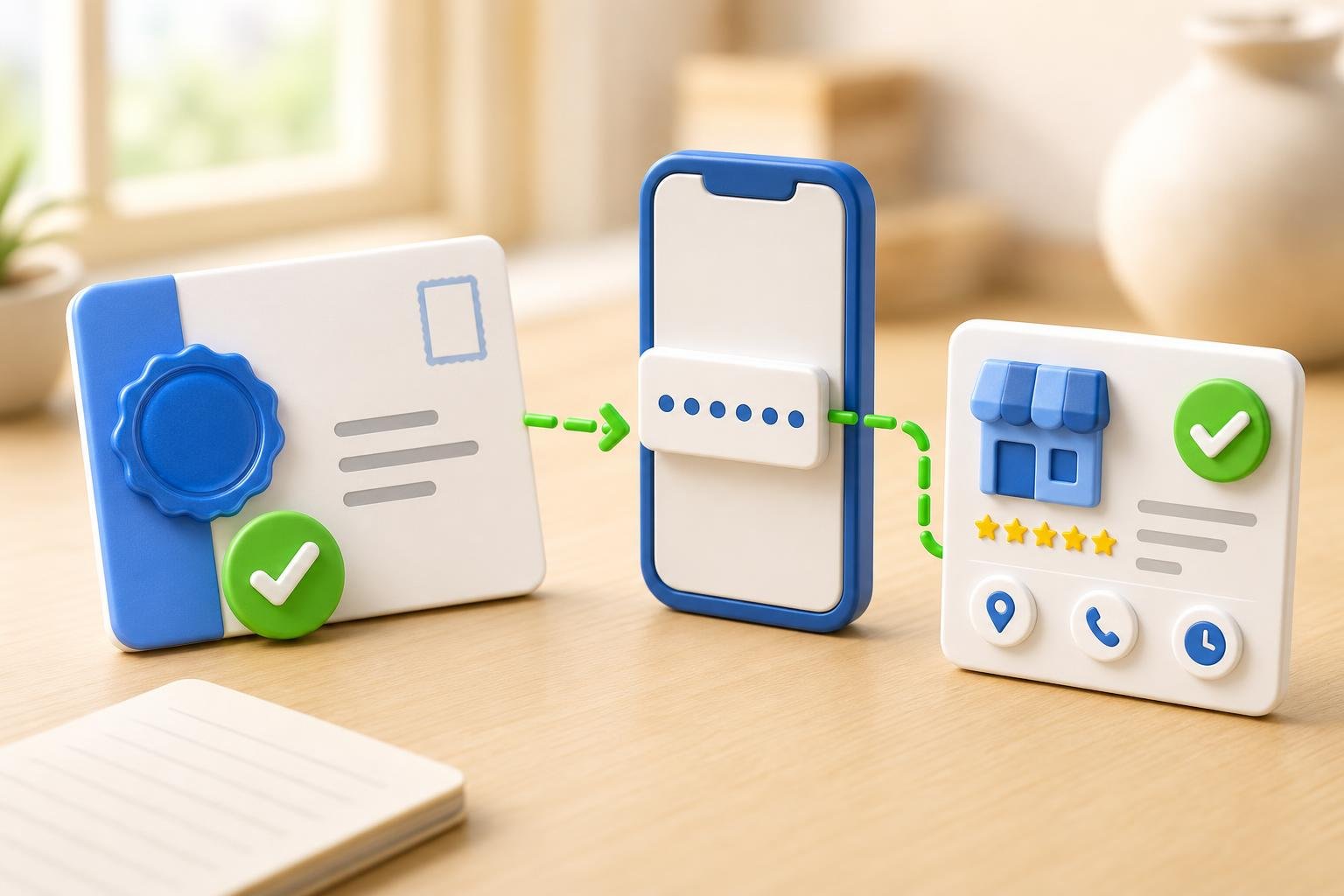
Google offers four verification methods, in roughly this order of preference in 2026: video, postcard, phone, email. You don't always get a choice — Google picks based on your category and history.
- Video (most common): record one continuous, unedited clip showing exterior signage with the business name, your interior or vehicle, and proof you have access (keys, opening the till, picking up a tool). 1–5 days.
- Postcard: Google mails a 5-digit code to your address. Enter it in the dashboard. 5–14 days.
- Phone or email: instant code via SMS or email. Offered to a minority of eligible businesses.
Step 5: Fill every single field
Google ranks complete profiles higher than sparse ones — and complete profiles also win more clicks because they answer more buyer questions before the click. The fields that move the needle:
- Services or menu: add every service you offer with a short description. This is the second-biggest ranking input after primary category.
- Hours: include holiday hours. Profiles marked "temporarily closed" by Google when hours are stale lose 80%+ of impressions.
- Attributes: wheelchair accessible, free Wi-Fi, women-owned, LGBTQ+ friendly, online appointments — all rank-relevant and click-relevant.
- Products: add at least 5. Free, high-ROI, underused.
- Photos: minimum 10 — exterior, interior, team, work-in-progress, finished work. Refresh monthly. Profiles with 100+ photos get ~520% more calls (BrightLocal).
- Business description (750 chars): describe what you do, who you serve, and where. Use natural language, not keyword soup.
Step 6: Publish your first Google Post
Google Posts (updates, offers, events) appear directly on the profile and signal active management. Post at least weekly. Even a short post with one photo lifts profile views ~5–10% the day it's published.
Step 7: Request your first 10 reviews
Number and recency of reviews are top-3 ranking factors for the local pack. Aim for 10 genuine reviews in the first 30 days. Use the templates in our guide to asking for Google reviews and the QR-code trick from how to make a Google review QR code.
The 5 mistakes that get profiles suspended
- Keyword-stuffed business name. "Joe's Plumbing — Austin's Best Emergency Plumber 24/7" → suspension. Use the real signage name.
- Virtual office or PO box address. Google cross-references with public records. Caught fast.
- Wrong primary category. Picking a more competitive category than what you actually do triggers quality review.
- Photo dump from stock sites. Reverse-image search catches it. Only upload original photos.
- Fake or incentivized reviews. Google's algorithm has gotten dramatically better at detecting these in 2026. One sweep can wipe months of work.
Already set up? The next step is optimization
Setup is only half the job. The other half is keeping the profile fresh — weekly posts, monthly photo uploads, fast review responses, services kept in sync. For the deeper ranking playbook, read the full Google Business Profile optimization guide and the local SEO checklist.
Multi-location? Don't do this by hand
Managing one Google Business Profile manually is fine. Managing 5, 10, or 50 — across Google plus Yelp, Apple Maps, Bing Places, Facebook, and another 60+ directories — is where manual work breaks down. ClickGrow's Listings AI syncs your business info across 70+ directories from one dashboard, and the free listings scan shows exactly which directories have you listed wrong (or missing) right now — no signup, no credit card.
What to do today
Block 30 minutes, do steps 1–4 in one sitting, and submit verification before you close the laptop. Then come back when the badge lands and spend another 30 minutes on step 5. That single hour gets most local businesses into the local pack within 60–90 days. To go faster across Google and the other 70+ directories that feed local SEO, start with the free listings scan or create an account.