The fastest way to get more Google reviews in 2026 is to ask every happy customer at the moment they're happiest, by SMS, with a one-tap link straight to your Google review form. That's it. No gimmicks, no incentives, no QR-codes-on-coffee-cups. Businesses that send a review request the same day as the purchase see response rates of 20–35%, compared to roughly 1–3% for businesses that only ask in person or via email a week later.
Below is the exact 2026 playbook for getting more Google reviews — what works, what gets your profile suspended, and how to put the entire process on autopilot.
Why getting more Google reviews matters more than ever
BrightLocal's Local Consumer Review Survey 2026 is the most-cited benchmark on consumer review behavior. The 2026 numbers:
- 97% of consumers read online reviews for local businesses.
- 47% won't use a business with fewer than 20 reviews.
- 74% only trust reviews from the last 3 months — so the review you got last year barely counts.
- 68% require at least a 4-star average before they'll even consider you.
Google's own Business Profile help documentation also confirms that "more reviews and positive ratings can help your business's local ranking." Reviews are now both a conversion signal (consumers won't pick you without them) and a ranking signal (Google won't show you without them). For more on the ranking side, see how reviews boost Google & AI search rank.
The single biggest mistake: asking too late (or not at all)
Most small business owners ask for reviews when they remember to — usually days after the customer has left. By then the emotion is gone and the response rate collapses. The number-one lever you control is timing.
The 2026 playbook: 7 ways to get more Google reviews
1. Send an SMS the same day as the purchase
Text messages have a ~98% open rate within minutes — versus around 20% for email. A short, personal SMS with a direct Google review link is the single highest-converting review request channel in 2026.
Example template that works:
Hi Sarah — Mike from Acme Plumbing. Thanks again for trusting us with the kitchen leak today. If we did a good job, a 30-second Google review would mean the world: [your-google-review-link]
2. Use your Google review short link
Inside your Google Business Profile, hit "Ask for reviews" — Google gives you a short link that opens the review form pre-filled with your business. Use that exact link in every channel. Don't send people to your profile page and ask them to find the review button; you'll lose half of them on the way.
3. Follow up by email 3 days later — once
If the SMS doesn't convert, a single polite email follow-up 72 hours later picks up another 5–8% of responses. Two follow-ups starts to feel like nagging.
4. Train your staff to ask in person — by name
"If you have a second, we'd love a Google review — I'm Mike, feel free to mention me in it" converts at roughly 15–25% when said face-to-face. Even better, send the SMS while they're standing in front of you.
5. Put your review link in every signature and confirmation
Email signature, invoice footer, booking confirmation, appointment-reminder SMS, post-purchase receipt. Reviews come from the cumulative volume of micro-asks, not one big push.
6. Reply to every review you already have
Google rewards profiles that look alive. Replying to existing reviews — positive and negative — signals engagement to Google's local ranking algorithm and increases the likelihood new reviewers will leave one (they see you actually read them).
7. Make it a recurring system, not a campaign
Steady velocity (2–5 fresh reviews per week, every week) beats 50 reviews in one month followed by silence. Google and AI search tools both treat sustained review activity as a legitimacy signal.
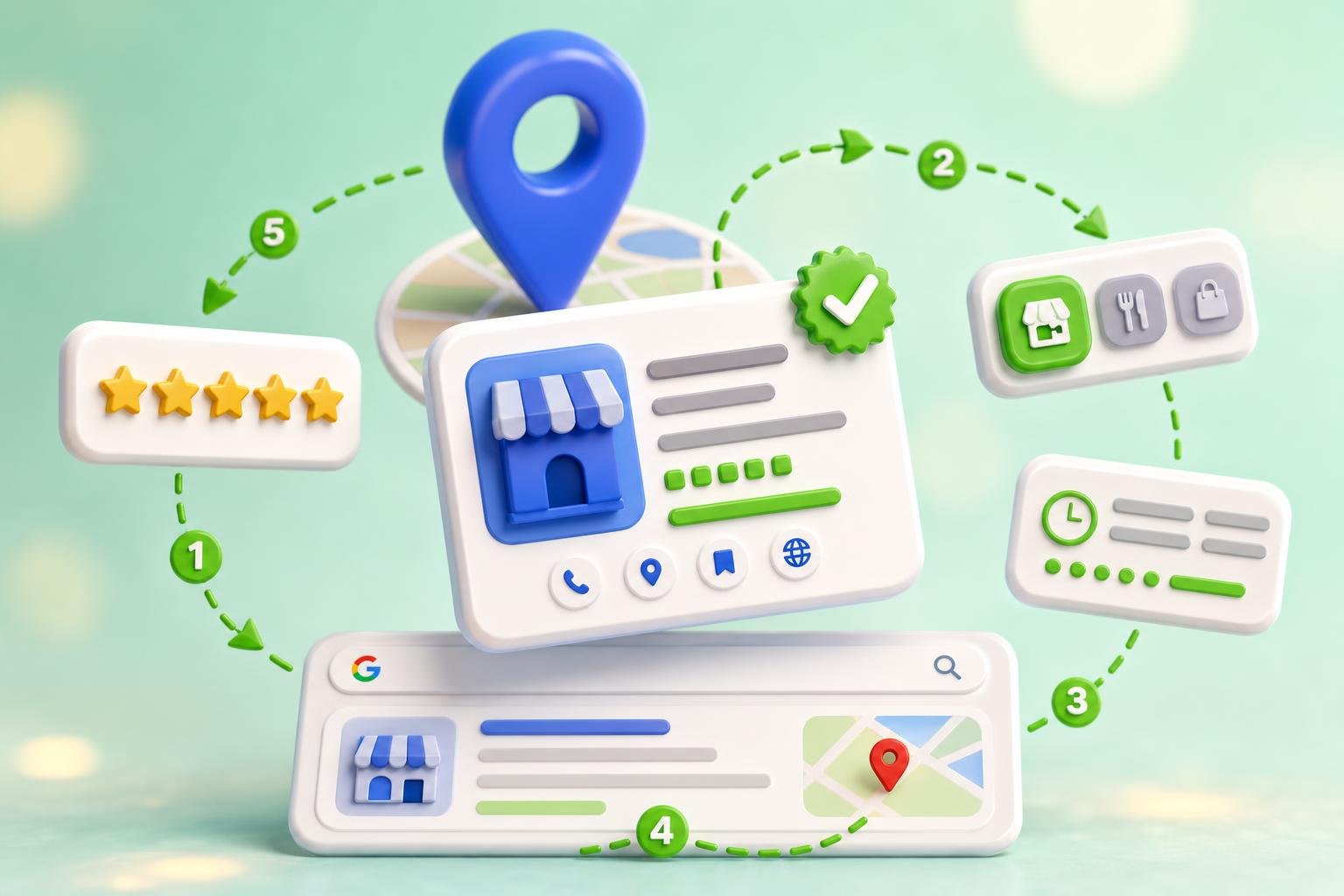
The same-day SMS playbook
- Customer completes their purchase or appointment
- Within 24 hours, automated SMS goes out
- Customer taps your Google review short link
- Review form opens pre-filled — 30 seconds to submit
- You reply within 24 hours to lock in the trust signal
The full request-to-reply loop should take under 5 minutes of human effort per review.

What NOT to do (these will get your profile suspended)
- Don't offer money, discounts, or free products for reviews. Google's content policy prohibits incentivized reviews, and competitors regularly report businesses that do this.
- Don't review-gate. Asking happy customers for a public review but funneling unhappy ones to a private form is explicitly banned and risks profile suspension.
- Don't fake reviews from staff or family. Google detects matched IP addresses and account patterns and removes them — sometimes alongside real reviews and a manual penalty.
- Don't buy reviews. Google sues review-buying services and removes purchased reviews in waves. The short-term gain isn't worth the long-term hit.
How to put it all on autopilot
Doing the SMS-the-same-day playbook manually works — until you get busy and forget. The whole point of getting more Google reviews is that it's consistent, not heroic. That's what ClickGrow Reviews AI does:
- Automatic SMS & email outreach. Add a customer once and the request goes out at the right time, in your brand voice, with your Google review short link pre-filled.
- AI-drafted replies to every review. Each new Google, Facebook, Yelp, or industry-site review gets a context-aware response written in your tone — for you to approve or send automatically.
- Multi-platform monitoring. Google, Facebook, Zillow, G2, the app stores — one inbox. AI search tools pull from all of them, not just Google.
- Built-in reporting so you can see review velocity, average rating, and reply rate trending the right way.