
Most small business owners open ChatGPT, ask it "write me a Facebook post," get something generic, and never come back. That's a usage problem, not a tool problem. ChatGPT is the cheapest team member you'll ever hire — but only if you use it like a team member, not a magic 8-ball. Here are 20 plug-and-play workflows that save real time and make real money.
Set ChatGPT up before you use it
The 4-minute setup that makes every prompt better
- Open Settings → Personalization → Custom Instructions
- Paste your business name, what you sell, who you serve, your tone
- Turn on Memory so ChatGPT remembers your brand across chats
- Save a few reusable prompts in a Notes app for one-click reuse
Skip this and every prompt starts from zero. With it, ChatGPT writes in your voice by default.
Money-making workflows (1–7): Marketing & sales
- Write a week of social captions. "Write 7 Instagram captions for {business} promoting {offer}. Tone: friendly, confident. Under 150 chars each. Include 3 hashtags."
- Turn one idea into 5 formats. "Take this blog post and turn it into: 1 Instagram carousel outline, 1 LinkedIn post, 3 tweet hooks, 1 short email."
- Reply to a hot lead. "Write a friendly but specific reply to this inquiry that proposes 2 time slots and answers their pricing question."
- Build a follow-up sequence. "Write a 3-email follow-up for a {service} quote — Day 3, Day 7, Day 14. Each under 80 words. No fake urgency."
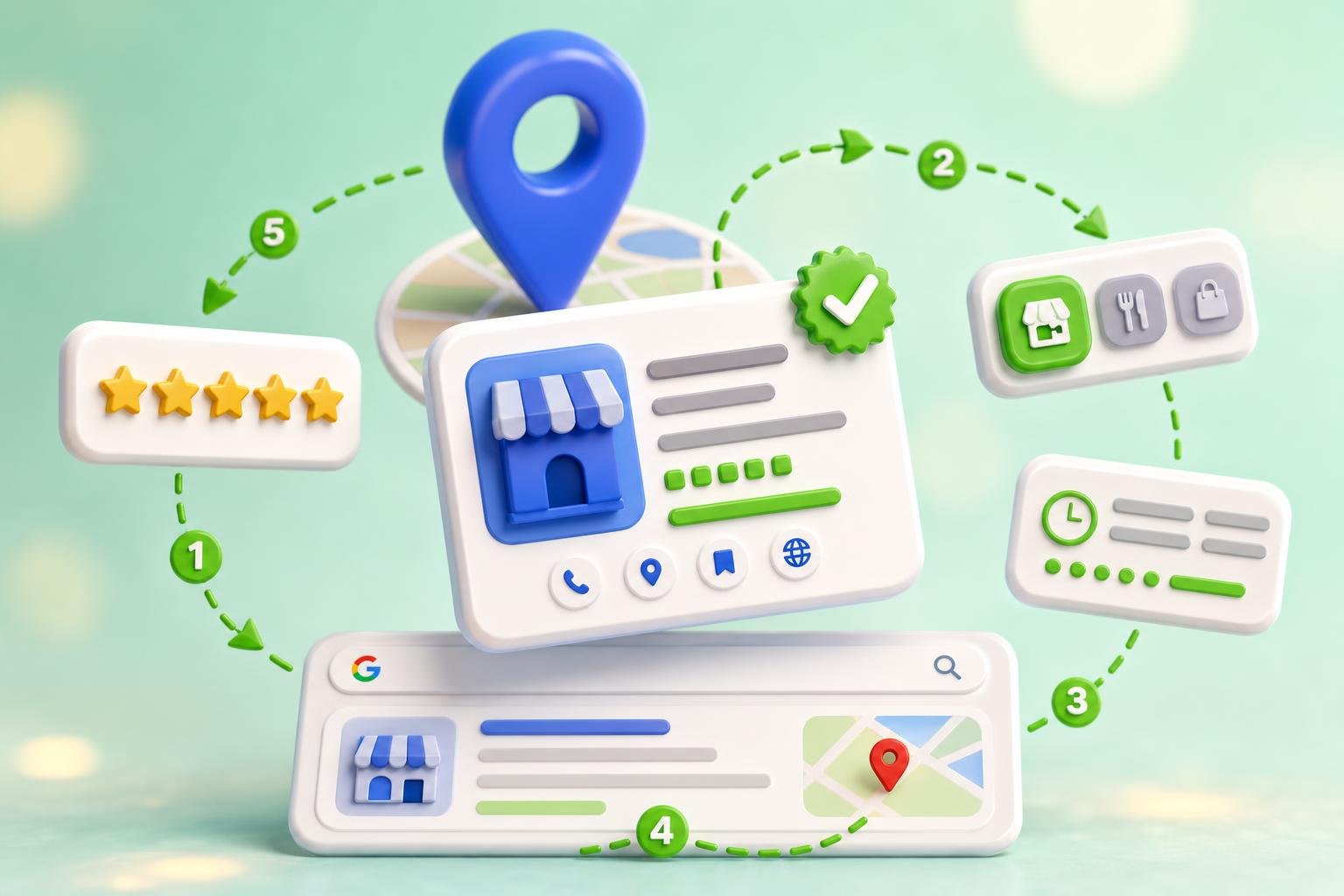
- Write a Google Business Profile post. "Write a 1,500-character GBP update about {offer} with a clear CTA and 2 local keywords."
- Reply to a review. "Reply to this 5-star review in our voice. Mention {service} naturally. Under 50 words." (See our review response templates.)
- Draft a referral ask. "Write a short SMS asking a happy customer to refer one friend. Warm, not pushy. Include a single-question opener."
Time-saving workflows (8–14): Operations
- Summarize a long email thread. "Summarize this thread in 5 bullets and tell me the one decision I need to make."
- Turn a meeting into action items. Paste the transcript. "List action items by owner with deadlines. Flag anything that needs me."
- Write an SOP for a recurring task. "Write a step-by-step SOP for {task} so a new hire could do it without asking questions."
- Draft a job description. "Write a job description for {role} at a small {industry} business. Include must-haves, nice-to-haves, and one line about culture."
- Build an interview scorecard. "Create a 1-page scoring rubric for interviewing {role} with 5 criteria and a 1–5 scale."
- Write a policy. "Write a simple refund policy for a {business type}. Plain English. Under 200 words."
- Clean up a messy spreadsheet. Paste the data. "Reformat this into clean columns with headers. Flag any rows that look like duplicates."

Strategy workflows (15–20): Make better decisions
- Pressure-test an offer. "Here's my offer: {paste}. Act as a skeptical customer. Give me 5 reasons I wouldn't buy this and how to fix each."
- Analyze a competitor's website. "Here's my competitor's homepage copy: {paste}. What promise are they making? What are they missing that I could lead with?"
- Forecast a price change. "I'm raising {service} from $X to $Y. Walk me through how to communicate it, who to grandfather, and what objections to prep for."
- Build a simple marketing plan. "Build a 90-day marketing plan for a {business} aiming to add {goal} new customers. One channel per month. Measurable."
- Roleplay a hard conversation. "Roleplay a customer asking for a refund I can't give. Push back like they would. Then coach me on what to say."
- Write a clear pricing page. "Rewrite my pricing page to be skim-able in under 10 seconds. 3 tiers. One sentence per benefit. End with one CTA."
3 prompt tweaks that 2x your results
- Give it a role. Start prompts with "You are my {copywriter / accountant / CMO}." Output gets sharper immediately.
- Give it constraints. Word count, tone, audience, what to avoid. "Under 80 words. No emojis. No buzzwords like 'unlock'."
- Ask for a second pass. After the first draft, type "Now make it 30% shorter and more specific." The second version is almost always better.
What ChatGPT shouldn't do for your business
- Replace your brand voice on autopilot. Stock ChatGPT output across every post sounds like every other small business using stock ChatGPT output. Train a dedicated tool like Social AI for posting at scale.
- Make legal, tax, or medical decisions. Use it to draft questions for your accountant or lawyer — not to replace them.
- Touch customer data without thinking. Don't paste full customer records into a public chat. Use ChatGPT Team or Enterprise for anything sensitive.
Where ChatGPT fits in a full small business AI stack
ChatGPT is the Swiss Army knife — great for one-off thinking, drafting, and analysis. For repeatable, daily work like social posting, listings management, and review responses, you want a purpose-built tool that already knows your brand. The best small business AI stacks pair the two: ChatGPT for thinking, ClickGrow for shipping.
Ready to put more of your business on autopilot? Read our 7-step small business automation playbook and our 15 best AI tools for small business in 2026 for the full stack.