
The reason most small business social feeds go silent isn't lack of time — it's the daily "what do I even post?" tax. Fix that once with the 9 plug-and-play categories below, and you have 37 social media post ideas you can rotate forever, plus a 30-day calendar you can actually keep up with.
The 9 small business post categories (memorize these)
Pick any 3 and rotate them weekly — that's a content plan
- Behind-the-scenes
- Customer stories and reviews
- Educational tips and how-tos
- Owner/founder voice
- Product or service spotlight
- Community and local pride
- Polls, questions, and quizzes
- Promotions and offers
- Trending or seasonal
Most small businesses default to category 5 and 8 only. The other 7 are where engagement actually lives.
1. Behind-the-scenes (the most under-used post type in 2026)
Behind-the-scenes posts consistently outperform polished marketing content because they feel human, not corporate. They take 60 seconds to make on a phone. Five proven angles:
- A 10-second video of you setting up the shop, kitchen, or truck before opening
- A photo of your workspace mid-project (paint cans, half-iced cake, an open hood, a printer mid-run)
- A "blooper" or messy-process photo with a one-line caption
- Your team eating lunch / on a coffee run / at the morning huddle
- A shipment or order being packed, taped up, or loaded into the van
2. Customer stories and reviews
Your customers' words convert 5–10x better than your own. Five ideas:
- Screenshot of a 5-star review with a 1-line "what made this job memorable" caption
- Before/after photo from a recent project (with permission)
- A short customer quote on a branded card (Canva template, done in 90 seconds)
- A walkthrough of a customer's full project from inquiry to finish, in a 5-frame carousel
- A "thank you for trusting us with [specific thing]" post tagging the customer if they're public
If you don't have enough reviews to fuel this, fix that first — the how-to-get-more-Google-reviews playbook is the fastest path. Stack reviews with a Google review QR code on receipts and counters.
3. Educational tips and how-tos
You know things your customers don't. That's an entire content engine. Five formats:
- "3 things most people get wrong about [your industry]" carousel
- A myth-busting post — "no, you don't need to do X to get Y"
- A 30-second how-to video doing one micro-task in your craft
- A "what to ask before you hire a [you]" checklist
- A glossary post explaining one piece of industry jargon in plain English
4. Owner/founder voice
People follow people, not businesses. Five owner-voice angles:
- A short story about why you started the business
- A "lesson I learned the hard way last week" post
- A photo of you with a customer or your team, with a one-line caption (no humblebrag)
- A behind-the-scenes of a tough decision (and how it played out)
- A "what I wish someone told me 5 years ago" post for other owners in your industry
5. Product or service spotlight
Don't just post the product — post the use case. Five ideas:
- A close-up photo with a "best for [specific situation]" caption
- A 3-frame carousel: problem → product → result
- A "did you know we also do [underused service]" post
- A demo video of one feature, ≤30 seconds
- A bundle or pairing post — "X works best with Y, here's why"
6. Community and local pride
Local SEO loves geographically specific posts, and customers love a business that knows the neighborhood. Four ideas:
- Shoutout to a non-competing local business you love
- A neighborhood photo with the suburb or street name in the caption (helps GBP relevance — see our local SEO checklist)
- Recap of a local event you attended or sponsored
- A "best [thing] within 5 minutes of us" curated list
7. Polls, questions, and quizzes
Engagement posts give the algorithm a reason to show your next post. Four ideas:
- A two-option poll (Stories on Instagram, native poll on LinkedIn or Facebook)
- A "this or that" image carousel where people pick their favorite
- A "which one are you?" quiz tied to your brand archetypes
- An open question — "what's the #1 thing you'd change about [your industry]?"
8. Promotions and offers
Keep these to ~20% of your feed. Four formats:
- A new product or service launch with a clear next step
- A limited-time offer with a real deadline (not "this week" forever)
- A "we still have 2 spots left this month" availability post
- A bundle or referral promo
9. Trending or seasonal
Hooking into what's already happening saves you the cost of creating attention from scratch. Three ideas:
- A timely take on something happening in your industry this week
- A seasonal angle — back-to-school, summer rush, end-of-year tax deadlines, holiday closures
- A trending audio or format used in your own brand voice (do this only if it actually fits — forcing trends backfires)
The 30-day plug-and-play calendar
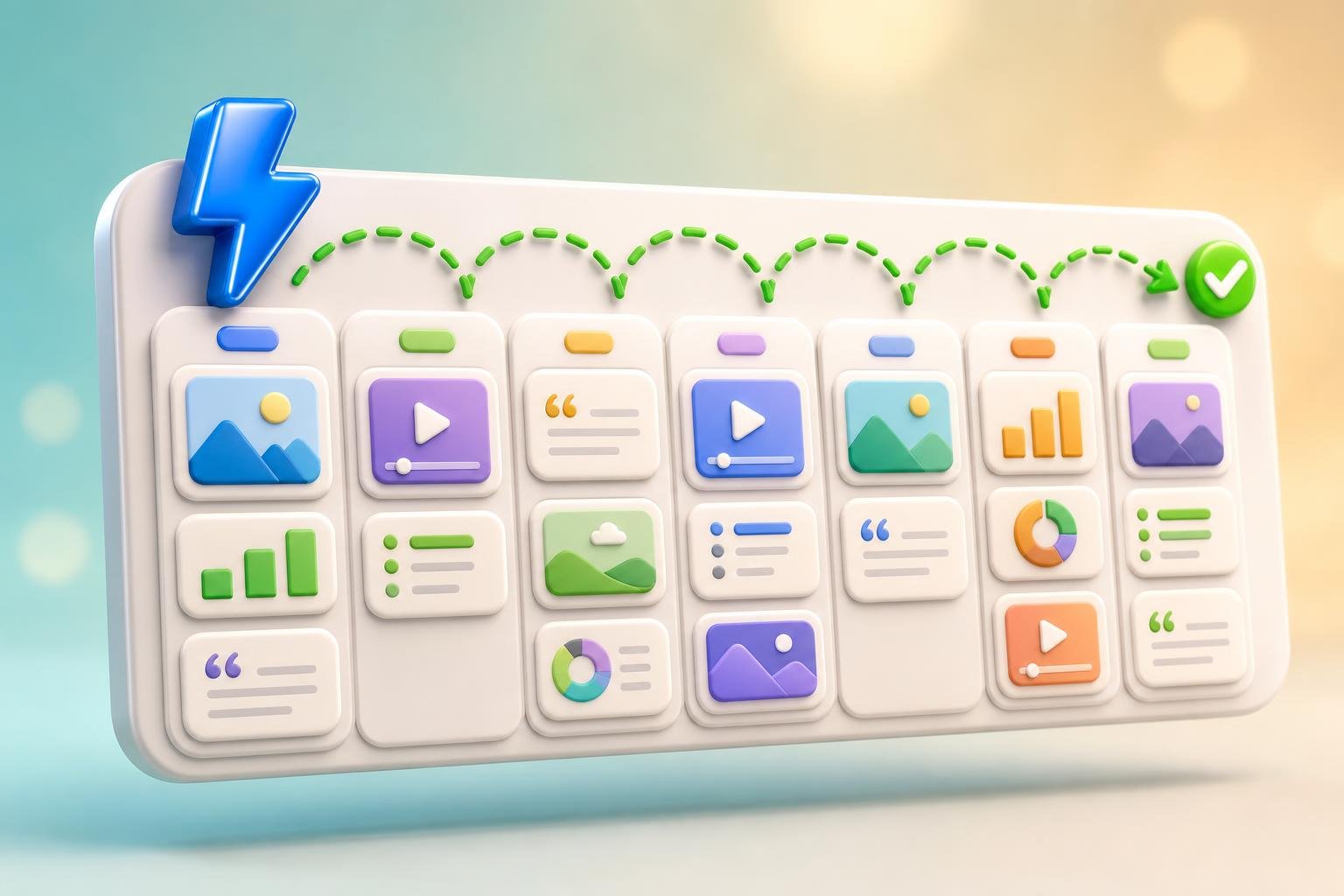
Here's the simplest possible monthly rotation. Three posts a week, four weeks, twelve posts:
- Monday — Educational tip or how-to (category 3)
- Wednesday — Customer story or behind-the-scenes (categories 1 + 2)
- Friday — Owner voice, poll, or product spotlight (categories 4, 5, 7)
Once a month: one promotion (category 8) and one community post (category 6) slotted in wherever they fit. That's it.
Where most small business feeds break
- Posting only category 5 and 8. Product + promo only feels like a billboard. Add the other 7 categories and engagement triples.
- Trying to be on every platform. Pick the two your buyers actually use and run them well — see the small business social media playbook.
- Inconsistent voice. Lock in a brand voice first (the 8 brand voice examples guide gives you 8 archetypes to steal) and apply it everywhere.
- No system for the next 30 days. "Posting when inspired" never lasts. The 90-minute monthly plan above beats motivation every time.
Faster: have AI fill the calendar in your brand voice
Once you've picked your 3 categories, the actual writing is the slow part. AI trained on your brand can generate a week of on-brand captions in minutes — and then schedule them across every platform automatically. ClickGrow's Social AI does exactly this: it learns your brand from your website, drafts posts in your voice, designs the visuals, and queues them up for the week.
Want to see it generate a week of posts before signing up? Try the free Social AI preview — drop in your business and watch it write 7 days of branded posts in about 60 seconds.
The bottom line
You don't need 100 ideas. You need 9 categories, 3 chosen, a 90-minute monthly plan, and a tool that helps you keep the cadence. Build the rails once and the "what do I post?" question quietly disappears.
You don't need 100 ideas. You need 9 categories, 3 chosen, a 90-minute monthly plan, and a tool that helps you keep the cadence. Build the rails once and the "what do I post?" question quietly disappears.
From here, the next two reads: how to automate social media posts (so you stop posting manually) and social AI for small business (the bigger picture of running social on autopilot). Or skip ahead and try ClickGrow free to put the whole calendar on autopilot today.